The Settings page opens from any screen with the gear icon (⚙) in the top-right corner of the top bar. The search icon in its top bar jumps straight to a section by name.
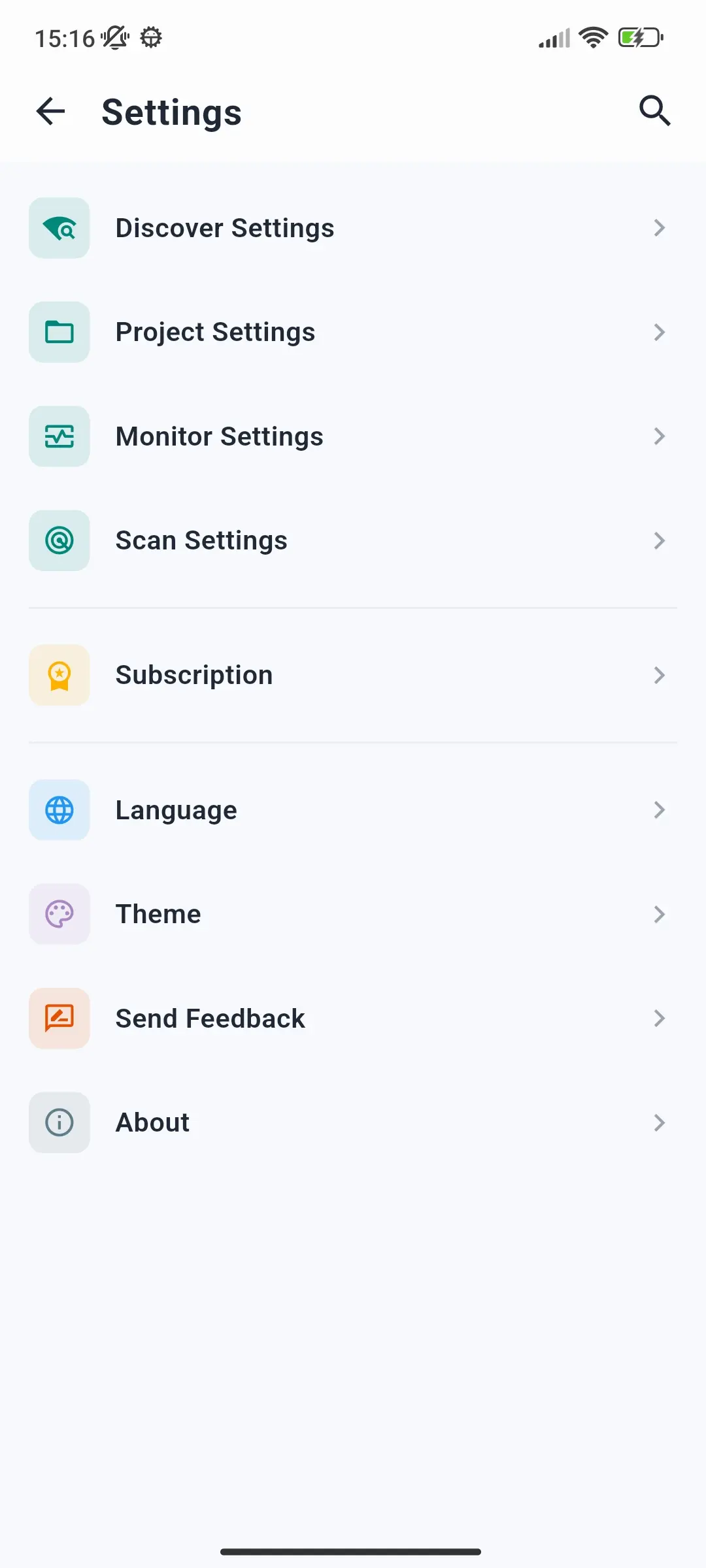
Settings are grouped into these sections:
| Section | What it controls |
|---|---|
| Discover Settings | Multicast address and port, the unicast subnet scan, and discovery and connection timeouts |
| Project Settings | The language of product texts, whether to load communication objects, and how many items the project tree shows per page |
| Monitor Settings | Keep screen on while monitoring, and the telegram buffer size |
| Scan Settings | Duration and interval of the programming mode scan in Tools → Prog. Mode |
| Subscription | Your plan, upgrading, restoring purchases, cancelling, Privacy Policy, and Terms of Service |
| Language | The app's language - English, German, French, Spanish, Italian, or Simplified Chinese - applied immediately |
| Theme | Light, Dark, or Match system |
| Send Feedback | Leave a review, report a bug, or write to us |
| About | App version and copyright |
For every setting with its default and range, see the Settings Reference.